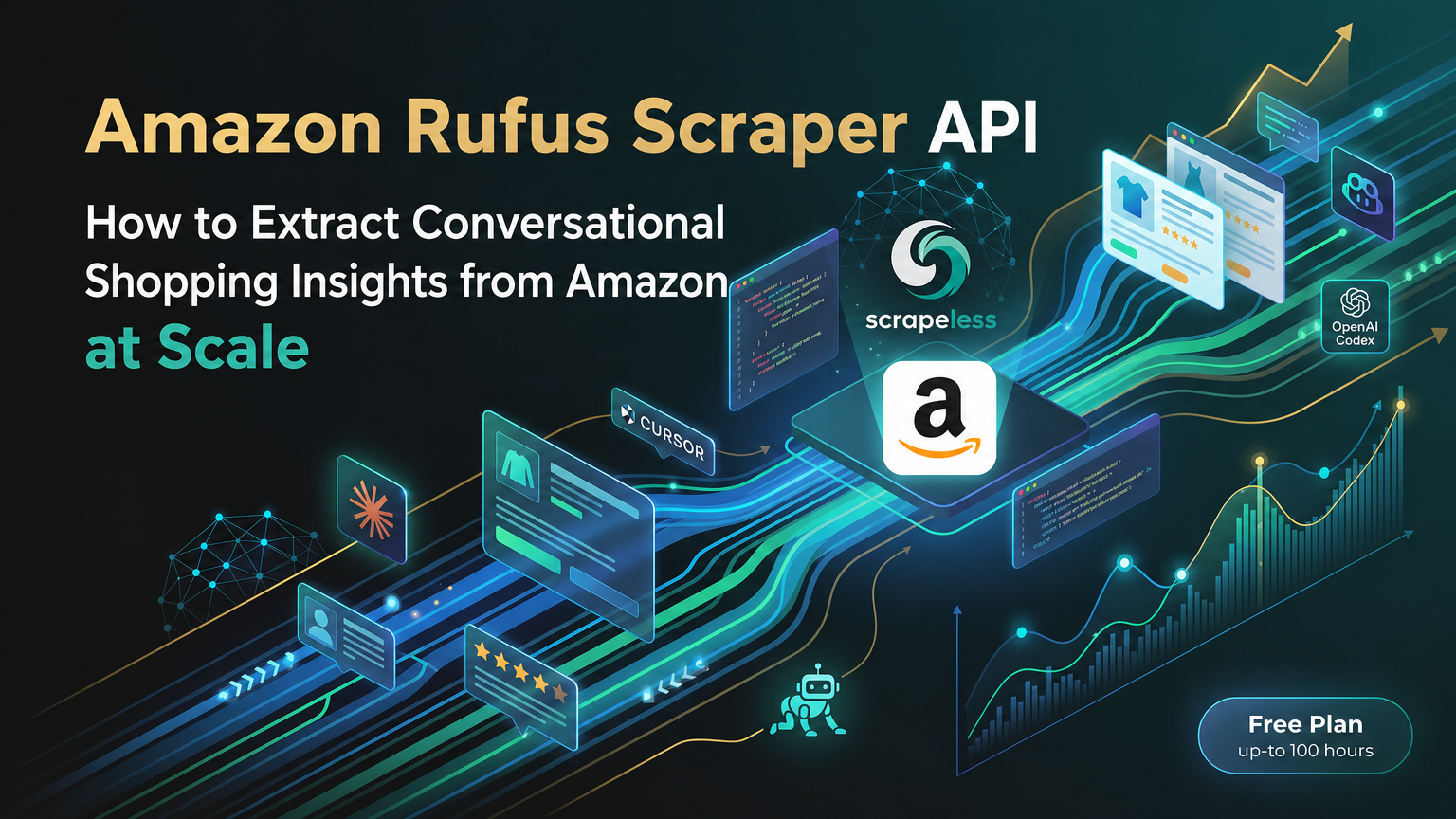
Amazon Rufus Scraper API: How to Extract Conversational Shopping Insights from Amazon at Scale

Specialist in Anti-Bot Strategies
Amazon Rufus Scraper API
Amazon Rufus is the conversational shopping assistant that increasingly drives pre-purchase research on Amazon — answering "Is this dishwasher safe?", "How does this compare to the M2 model?", "Best running shoes under €100" with grounded, product-aware responses. For repricers, comparison engines, brand monitors, and AI-shopping pipelines, the answers Rufus surfaces are high-leverage signal.
Rufus is gated to logged-in customer sessions and streams its responses as Server-Sent Events. That makes it inaccessible through anonymous browsing and impractical to integrate via DIY scraping. The Scrapeless Amazon Rufus Scraper API solves this end to end — authentication, anti-bot tokens, marketplace routing, and stream parsing are all handled server-side, exposed through one clean HTTP POST. This guide walks through everything: why teams use the API, how the request and response work, parameter reference, integration in Python and Node.js, and common problems with their solutions.
Part 1: Why use Scrapeless Amazon Rufus Scraper API?
The Rufus API turns an authenticated, streamed Amazon surface into a single structured-JSON HTTP call.
- No Amazon login required. Authentication is handled at Scrapeless. Callers never see a login form, an MFA prompt, or a cookie jar.
- Streamed responses, parsed for you. A typical Rufus response is 60–80 Server-Sent Events chunks across seven event types. The API stitches the stream into a single parsed
resultobject — noiter_lines, no\n\nboundary detection, no event-type dispatch on the caller side. - Marketplace routing in one parameter.
domain: "www.amazon.es","www.amazon.com","www.amazon.de"— the API routes through a locale-matched residential proxy automatically. - Structured product data out of the box.
result.productsreturns a list of dicts withasin,title,rating,reviews,image_url,category, and afootereditorial tag — Rufus's curated set for the query. - Related-question mining. Each response also includes 3–5 follow-up questions Rufus generated. They're a clean query-expansion source for SEO research, content planning, or chained Rufus calls.
- Same Scrapeless account, same dashboard. The Rufus API uses the same API token as the rest of the Scrapeless product line — Scraper APIs, Scraping Browser, Universal Scraping API. One account, many surfaces.
Best Amazon Rufus scraping solution
The Scrapeless Amazon Rufus Scraper API is built for production pipelines that need Rufus's conversational output as structured data, without the integration burden of running an authenticated headful browser per query.
- Server-side authentication. Scrapeless holds the authenticated Amazon sessions and rotates them. Callers send a query and get parsed JSON back.
- Pre-parsed output. The default response is a JSON envelope with a
resultobject that's already populated withproducts,related_questions,interim_messages, and arequest_context. No streaming-client glue required for the common case. - Optional raw SSE. Setting
is_sse_data: trueexposes the rawevent:<type>\ndata:<json>\n\nstream for callers who need progressive UI updates or full-fidelity event auditing. - Multi-marketplace.
www.amazon.esis verified end to end; the same shape applies to other marketplace domains (.com,.co.uk,.de,.co.jp,.com.au,.in,.com.mx,.com.br).
How to scrape Amazon Rufus with the Scrapeless Scraper API
The end-to-end workflow takes four moves: get an API token, build the request body, send the POST, parse the response. Sign up at scrapeless.com, copy the API token from the dashboard, and store it as an environment variable:
bash
export SCRAPELESS_API_TOKEN=sk_your_token_hereThe endpoint is POST https://api.scrapeless.com/api/v1/scraper/request with header x-api-token: <YOUR_TOKEN> and a JSON body. The response is a JSON envelope where result carries the parsed Rufus output.
How to scrape Rufus by keyword query
This is the canonical flow for asking Rufus a question and getting structured Amazon-grounded answers back.
Step 1: Build the request body
The request body has three required fields under input: type (always "rufus"), keywords (the question or shopping intent), and domain (the Amazon marketplace).
json
{
  "actor": "scraper.amazon",
  "input": {
    "type":     "rufus",
    "keywords": "is the macbook air m3 good for video editing",
    "domain":   "www.amazon.es"
  }
}
Step 2: Set parameters
keywords accepts free-form natural-language queries — direct questions ("Is this waterproof?"), comparisons ("M1 vs M3 for video"), or shopping intent ("best macbook for students"). domain selects the Amazon marketplace; align it with the locale you want Rufus to ground its answer in. The optional is_sse_data boolean defaults to false (parsed JSON envelope); set it to true to receive the raw SSE stream instead.
Step 3: Send the request
POST the body to the endpoint with the x-api-token header. The default response arrives in 5–15 seconds end-to-end as one chunked HTTP response (around 130 KB for a typical query). Parse the JSON, read result.products and result.related_questions.
A typical successful response:
json
{
  "html": "id:CHUNK_0\nevent:context\ndata:{...}\n\nid:CHUNK_1\nevent:affordance\n...",
  "metadata": {
    "rawUrl": "https://api.scrapeless.com/storage/scrapeless.scraper.amazon/.../<id>.html",
    "type":   "rufus"
  },
  "result": {
    "request_context":   { "requestId": "TMWTVKB12QFTQEV9D2GJ", "sessionId": "257-9398007-5193547", "bsr": {...} },
    "user_query":        "is the macbook air m3 good for video editing",
    "interim_messages":  ["Comprobando...", "Recopilando datos…"],
    "products":          [ { "asin": "B08N5TLVQ2", "title": "Apple MacBook Air...", "rating": "4.8", "reviews": "2.045", ... }, ... ],
    "related_questions": ["MacBook Air vs MacBook Pro diferencias", "¿Qué MacBook es mejor para estudiantes?", ...],
    "feedback_controls": { "groupId": "...", "text": "..." }
  }
}
Scrapeless Amazon Rufus Scraping API parameters
| Parameter | Required | Type | Description |
|---|---|---|---|
actor |
yes | string | Must be "scraper.amazon" |
input.type |
yes | string | Must be "rufus" |
input.keywords |
yes | string | Free-form query for Rufus — question, comparison, or shopping intent |
input.domain |
yes | string | Amazon marketplace domain, e.g. "www.amazon.es", "www.amazon.com", "www.amazon.de" |
input.is_sse_data |
optional | boolean | When true, the response is the raw SSE stream. When false (default), the response is a parsed JSON envelope with the result object pre-populated. |
The parsed result object the API returns:
| Field | Type | Description |
|---|---|---|
request_context |
object | Server-side identifiers — requestId, sessionId, bsr (UI behavior hints) |
user_query |
string | Echo of the input keywords — useful for round-tripping in async pipelines |
interim_messages |
array of string | Loading-state messages localized to the marketplace (e.g. "Comprobando...", "Recopilando datos…" for .es) |
products |
array of object | Rufus's curated product list — typically 3–6 items with asin, url, title, rating, reviews, category, image_url, image_alt, footer |
related_questions |
array of string | 3–5 follow-up questions Rufus generated — usable for query expansion or chained calls |
feedback_controls |
object | The thumbs-up/down feedback strings Rufus shows under the answer |
Full API reference: apidocs.scrapeless.com/api-34218448.
How to integrate Scrapeless into your project
The integration is a single HTTP POST. Below are working examples in Python and Node.js — both target the canonical request (keywords="is the macbook air m3 good for video editing", domain="www.amazon.es").
Python
python
import os
import requests

URL = "https://api.scrapeless.com/api/v1/scraper/request"
HEADERS = {
    "x-api-token":  os.environ["SCRAPELESS_API_TOKEN"],
    "Content-Type": "application/json",
}
BODY = {
    "actor": "scraper.amazon",
    "input": {
        "type":     "rufus",
        "keywords": "is the macbook air m3 good for video editing",
        "domain":   "www.amazon.es",
    },
}

resp = requests.post(URL, headers=HEADERS, json=BODY, timeout=60)
resp.raise_for_status()
data = resp.json()

# Parsed Rufus output
for product in data["result"]["products"]:
    print(f"{product['asin']}  {product['rating']}★  {product['title'][:80]}")

print("\nRelated questions:")
for q in data["result"]["related_questions"]:
    print(f"  - {q}")
Node.js (18+)
js
const URL = "https://api.scrapeless.com/api/v1/scraper/request";

const resp = await fetch(URL, {
  method: "POST",
  headers: {
    "x-api-token":  process.env.SCRAPELESS_API_TOKEN,
    "Content-Type": "application/json",
  },
  body: JSON.stringify({
    actor: "scraper.amazon",
    input: {
      type:     "rufus",
      keywords: "is the macbook air m3 good for video editing",
      domain:   "www.amazon.es",
    },
  }),
});
if (!resp.ok) throw new Error(`HTTP ${resp.status}: ${await resp.text()}`);

const data = await resp.json();

for (const p of data.result.products) {
  console.log(`${p.asin}  ${p.rating}★  ${p.title.slice(0, 80)}`);
}

console.log("\nRelated questions:");
for (const q of data.result.related_questions) {
  console.log(`  - ${q}`);
}
Both clients return a parsed data.result object identical in shape — no SSE handling, no chunk reassembly. For raw SSE consumption (progressive UIs, full-fidelity event audits), set input.is_sse_data: true in the body and read the response as a stream:
Python — raw SSE mode
python
import os, json, requests

resp = requests.post(URL, headers=HEADERS, json={
    "actor": "scraper.amazon",
    "input": {
        "type":         "rufus",
        "keywords":     "is the macbook air m3 good for video editing",
        "domain":       "www.amazon.es",
        "is_sse_data":  True,
    },
}, stream=True, timeout=60)

event_type, data_buf = None, []
for line in resp.iter_lines(decode_unicode=True):
    if line is None:
        continue
    if line.startswith("event:"):
        event_type = line[len("event:"):].strip()
    elif line.startswith("data:"):
        data_buf.append(line[len("data:"):])
    elif line == "":
        if event_type and data_buf:
            payload = json.loads("".join(data_buf))
            print(event_type, "->", str(payload)[:120])
        event_type, data_buf = None, []
Node.js — raw SSE mode
js
const resp = await fetch(URL, {
  method: "POST",
  headers: { "x-api-token": process.env.SCRAPELESS_API_TOKEN, "Content-Type": "application/json" },
  body: JSON.stringify({
    actor: "scraper.amazon",
    input: {
      type: "rufus", keywords: "is the macbook air m3 good for video editing",
      domain: "www.amazon.es", is_sse_data: true,
    },
  }),
});

const reader = resp.body.getReader();
const decoder = new TextDecoder("utf-8");
let buf = "";
while (true) {
  const { value, done } = await reader.read();
  if (done) break;
  buf += decoder.decode(value, { stream: true });
  const frames = buf.split("\n\n");
  buf = frames.pop();
  for (const frame of frames) {
    const lines = frame.split("\n");
    const evtLine = lines.find(l => l.startsWith("event:"));
    const dataLine = lines.find(l => l.startsWith("data:"));
    if (evtLine && dataLine) {
      const event = evtLine.slice("event:".length).trim();
      const data  = JSON.parse(dataLine.slice("data:".length));
      console.log(event, "->", JSON.stringify(data).slice(0, 120));
    }
  }
}
In raw mode, expect 60–80 frames across seven event types: context, affordance, interim, inference, feedback, remove, close. The inference event carries the consolidated answer; close signals end of stream.
How to avoid common problems encountered in data scraping
Error responses you might see
The API returns structured JSON for every error case — code is the Scrapeless error code, message is the human-readable explanation. Real responses captured from intentionally-invalid requests:
| Scenario | HTTP | Response body |
|---|---|---|
| Invalid API token | 401 |
{"code":14404,"message":"invalid access token"} |
| Wrong actor name | 400 |
{"code":14002,"message":"invalid actor: <name>"} |
Missing or wrong field name (e.g. page instead of type) |
400 |
{"code":20404,"message":"unmarshal input error"} |
Missing or invalid domain |
400 |
{"code":20500,"message":"Type:rufus scraper error: rpc error: code = Code(20500) desc = Rufus scraping failed, If this error persists, change the region"} |
Transient upstream failure (unexpected EOF from Amazon) |
400 |
{"code":20500,"message":"Type:rufus scraper error: [Amazon] rufusStreaming request <url> fail :status=599,msg=unexpected EOF"} |
Empty or missing keywords |
200 |
Successful envelope, but the SSE stream contains an event:softlanding_error chunk and result.products is empty. Check result.products.length === 0 and/or scan html for softlanding_error. |
Codes in the 144xx range are authentication and actor validation; 204xx is request-shape (input field) errors; 205xx is upstream Amazon errors. Treat 205xx with unexpected EOF or change the region as transient — retry on a small back-off.
Conclusion
Amazon Rufus is becoming a key surface for product discovery, comparison, and pre-purchase research. For teams that rely on shopping-intent data, it offers valuable signals such as product recommendations, comparison context, and follow-up questions that can feed SEO, pricing, and AI-shopping workflows.
Scrapeless Amazon Rufus Scraper API removes the hardest parts of working with Rufus. Instead of managing Amazon login sessions, SSE parsing, anti-bot challenges, and marketplace routing yourself, you send one request and get structured output back. That makes it a practical choice for production pipelines that need reliable, scalable access to Rufus-generated shopping intelligence.
Claim your free plan and start scrape:
Join Scrapeless's vibrant community to claim a $5-10 free plan and connecting with fellow innovators:
Scrapeless Official Discord Community
Scrapeless Official Telegram Community
FAQ about the Amazon Rufus Scraper API
Q: Do I need an Amazon account or MFA?
No. Authentication is handled server-side by Scrapeless. The caller's code only sees result.products and result.related_questions — never an Amazon login form, MFA challenge, or cookie jar.
Q: What is Amazon Rufus used for?
Amazon Rufus is Amazon’s conversational shopping assistant. Shoppers use it to ask product questions, compare options, and get recommendations based on use case, budget, and product attributes.
Q: Why is Amazon Rufus important for SEO and product research?
Rufus exposes real shopping questions and follow-up intents that reflect how users think before buying. Those questions are useful for keyword expansion, content planning, product positioning, and understanding what shoppers care about most.
Q: Can Amazon Rufus data be scraped directly from Amazon?
Not reliably through anonymous browsing. Rufus is tied to logged-in customer sessions and streams its responses, which makes manual scraping fragile and difficult to scale. Scrapeless handles that complexity server-side.
Q: What makes Scrapeless better than building a custom Rufus scraper?
Scrapeless handles authentication, anti-bot tokens, stream parsing, and marketplace routing for you. That reduces maintenance overhead and makes the API much easier to use in production than a DIY browser or SSE pipeline.
Q: Which marketplaces does the Rufus API support?
The API is designed for Amazon marketplace domains such as www.amazon.com, www.amazon.es, and www.amazon.de. That makes it suitable for multi-market workflows where Rufus answers need to be localized by region.Currently Europe and USA domain are supported, and scrapeless is continously expanding the domains supported!
Q: What kind of data does the Rufus API return?
It typically returns a structured JSON object containing product recommendations, related questions, and request context. Depending on the query, you can also use the raw streamed output if you need full event-level data.
Q: How can brands use Rufus data?
Brands can use Rufus data for competitor research, product comparison analysis, content strategy, shopping-intent mining, and AI-assisted merchandising. It is especially useful when you want to understand which product attributes Rufus highlights most often.
Q: Is the Rufus API useful for AI agents and automation?
Yes. Because it returns structured data instead of a browser session, it fits neatly into AI agents, enrichment pipelines, recommendation systems, and other automated workflows.
At Scrapeless, we only access publicly available data while strictly complying with applicable laws, regulations, and website privacy policies. The content in this blog is for demonstration purposes only and does not involve any illegal or infringing activities. We make no guarantees and disclaim all liability for the use of information from this blog or third-party links. Before engaging in any scraping activities, consult your legal advisor and review the target website's terms of service or obtain the necessary permissions.